
Multi-currency
Accounting in SRD, USD, EUR and beyond
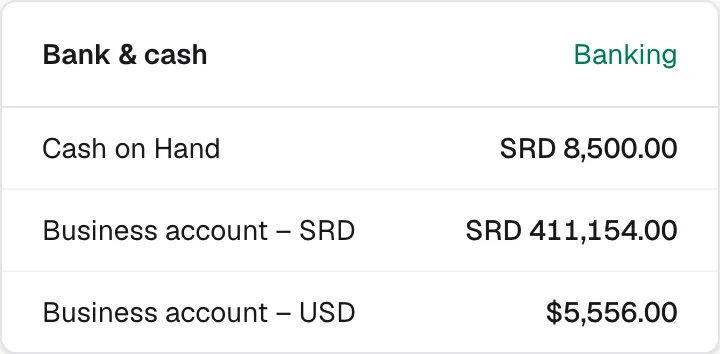
Work in the currencies your business really uses. Every invoice, bill and account keeps its own currency, and your reports show the whole business in your base currency, revalued correctly.
Free to start. No credit card needed.
153 currencies
Turn on the currencies you need, with your own symbols, and use them on customers, suppliers, documents and bank accounts.
Exchange rates by date
Keep a rate per currency per day. Each document takes the rate of its date, or the one you type, and keeps it, so a posted invoice never changes when rates move.
Revaluation and exchange differences
Open foreign balances are revalued at the rate on the report date, and the difference goes to Exchange gains and losses. When a USD invoice is paid at another rate, the difference is booked automatically.
Reports in your base currency
Profit and loss, the balance sheet and cash flow show the whole business in your base currency, while customer statements and aging stay in each customer's currency.
Available on
Every plan, including Free.
Questions and answers
Which exchange rate does CoreBooks use?
The rate you entered for that currency on the document's date. You can type a different rate on any document.
What happens when the rate changes before an invoice is paid?
The payment is booked at its own rate, and the difference with the invoice's rate is recorded as an exchange gain or loss.
Can my base currency be SRD?
Yes. You choose the base currency when you create the business, for example SRD, USD or EUR.
Related features
Keep your books properly, from today
Start on the free plan, or try every feature for 30 days. No credit card needed.