
Banking
Bank accounts that match the bank
Every bank, cash and credit card account in its own currency, with balances you can trust. Import your bank's statement, match each line, and know your books agree with the bank.
Free to start. No credit card needed.
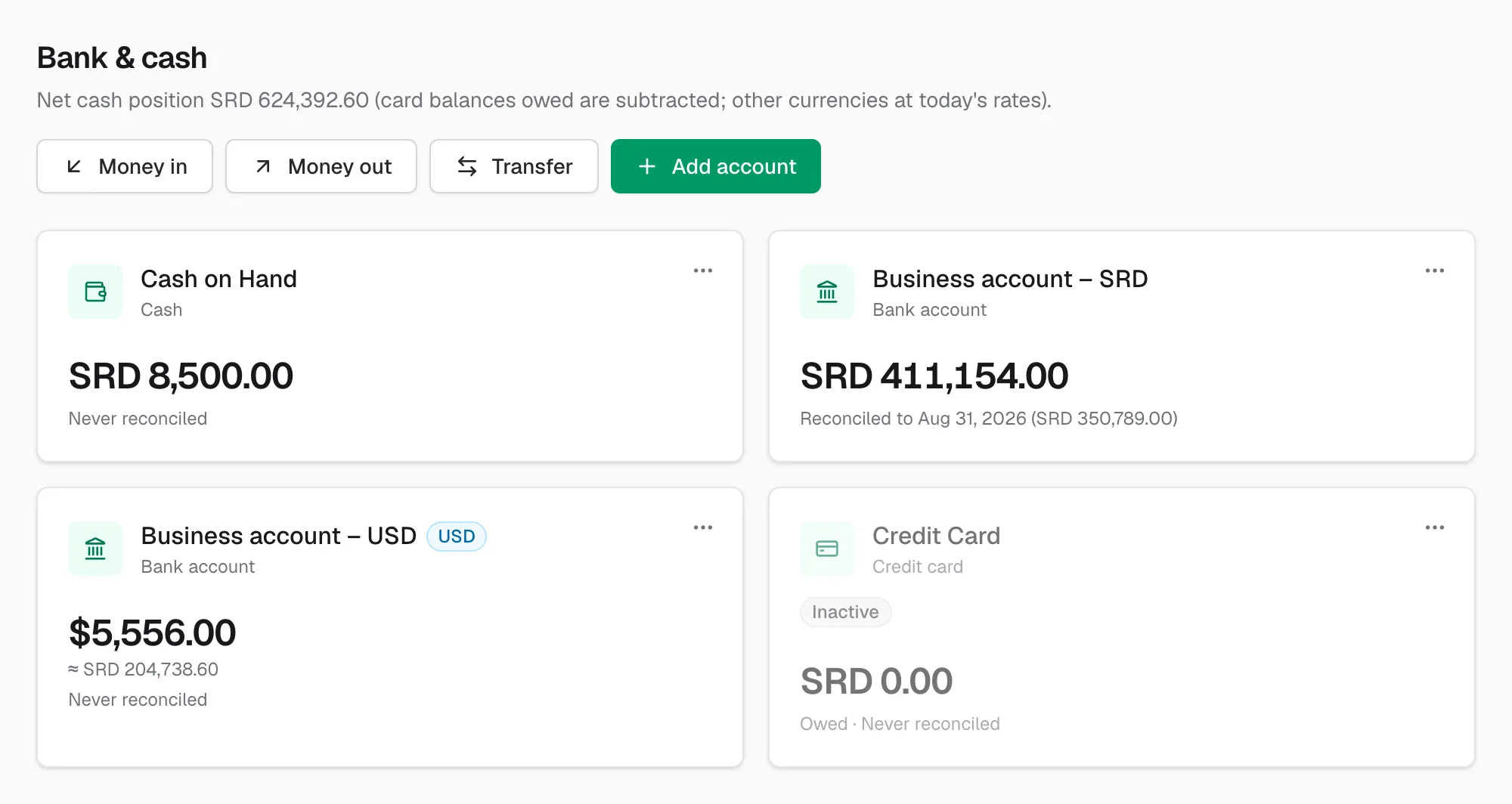
Every account, every currency
Add your SRD and USD bank accounts, petty cash and credit cards. Each keeps its own currency and balance, and the dashboard shows your cash position in one number.
Money in and money out
Record receipts and spending straight from the bank with the right account and VAT, and move money between accounts, including exchanges from one currency to another.
Import your bank statement
Download a CSV or Excel statement from your bank and import it. CoreBooks suggests the payment or invoice each line belongs to, or lets you categorise it in one step.
Reconcile with confidence
Tick off your books against the statement until the balances agree, and keep a record of every reconciliation. Lines that are reconciled can't change by accident.
- Reconciled balance next to the book balance
- Undo a reconciliation if a statement was wrong
- Matched lines linked to their payments
Available on
Bank, cash and card accounts on every plan. Statement import and reconciliation on Pro and Business.
Questions and answers
Does CoreBooks connect directly to my bank?
Not yet. You import the statement file your bank lets you download (CSV or Excel), which works with every bank.
Can I keep a USD account next to an SRD account?
Yes. Each account has its own currency. Balances are shown in that currency and converted to your base currency in reports.
How do I record an exchange from USD to SRD?
As a transfer between the two accounts with both amounts. The rate follows from the amounts, and any difference with your books is booked as an exchange gain or loss.
Related features
Keep your books properly, from today
Start on the free plan, or try every feature for 30 days. No credit card needed.